




Hoppa till innehåll
View in the app

A better way to browse. Learn more.

Jaktsidan

A full-screen app on your home screen with push notifications, badges and more.

To install this app on iOS and iPadOS
  1. Tap the Share icon in Safari
  2. Scroll the menu and tap Add to Home Screen.
  3. Tap Add in the top-right corner.
To install this app on Android
  1. Tap the 3-dot menu (⋮) in the top-right corner of the browser.
  2. Tap Add to Home screen or Install app.
  3. Confirm by tapping Install.

Hallåå

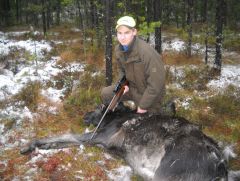
Tjena gubbar, uppdaterat lite segt här på senaste.. Men tre rådjur har jag fått skjutit för vovven än så länge i år, hoppas på ett till nu sista helgen =) En räv har jag även fått i backen, hoppas dock på många fler då jag börjat locka! Men det är väl inte så lätt som man tror.. Men ack den som ger sig!

  • Från albumet

    Jakt 2011

    · 10 bilder

    Account

    Navigation

    Sök

    Sök

    Configure browser push notifications

    Chrome (Android)
    1. Tap the lock icon next to the address bar.
    2. Tap Permissions → Notifications.
    3. Adjust your preference.
    Chrome (Desktop)
    1. Click the padlock icon in the address bar.
    2. Select Site settings.
    3. Find Notifications and adjust your preference.