


Leaderboard
-

strävhår
Bloggers19Poäng14 663Antal inlägg -
BollnäsViktor
Bloggers9Poäng2 062Antal inlägg -

faxe
Bloggers7Poäng5 551Antal inlägg -
Musköt
Bloggers7Poäng7 747Antal inlägg
Popular Content
Showing content with the highest reputation on 2016-06-12 in all areas
-
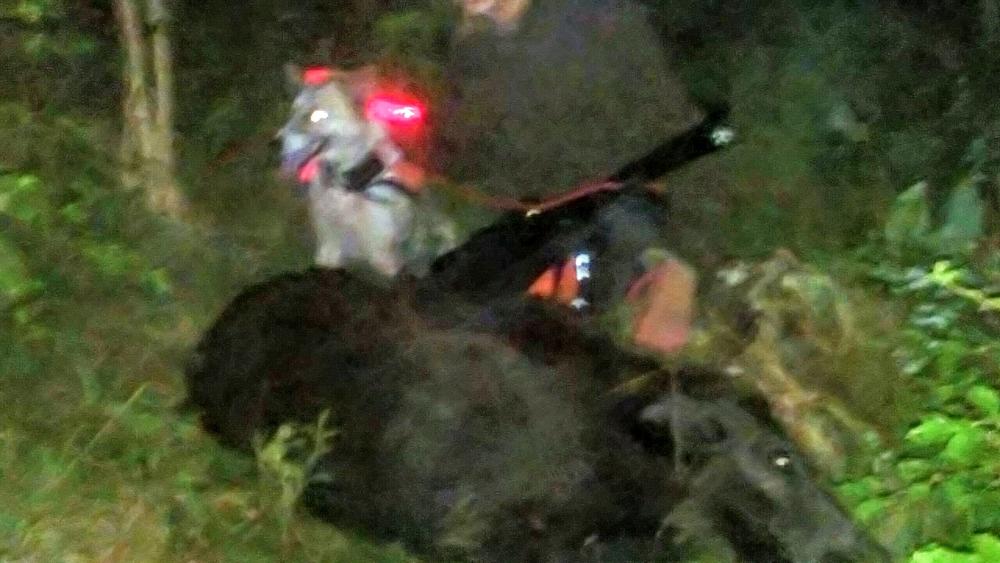
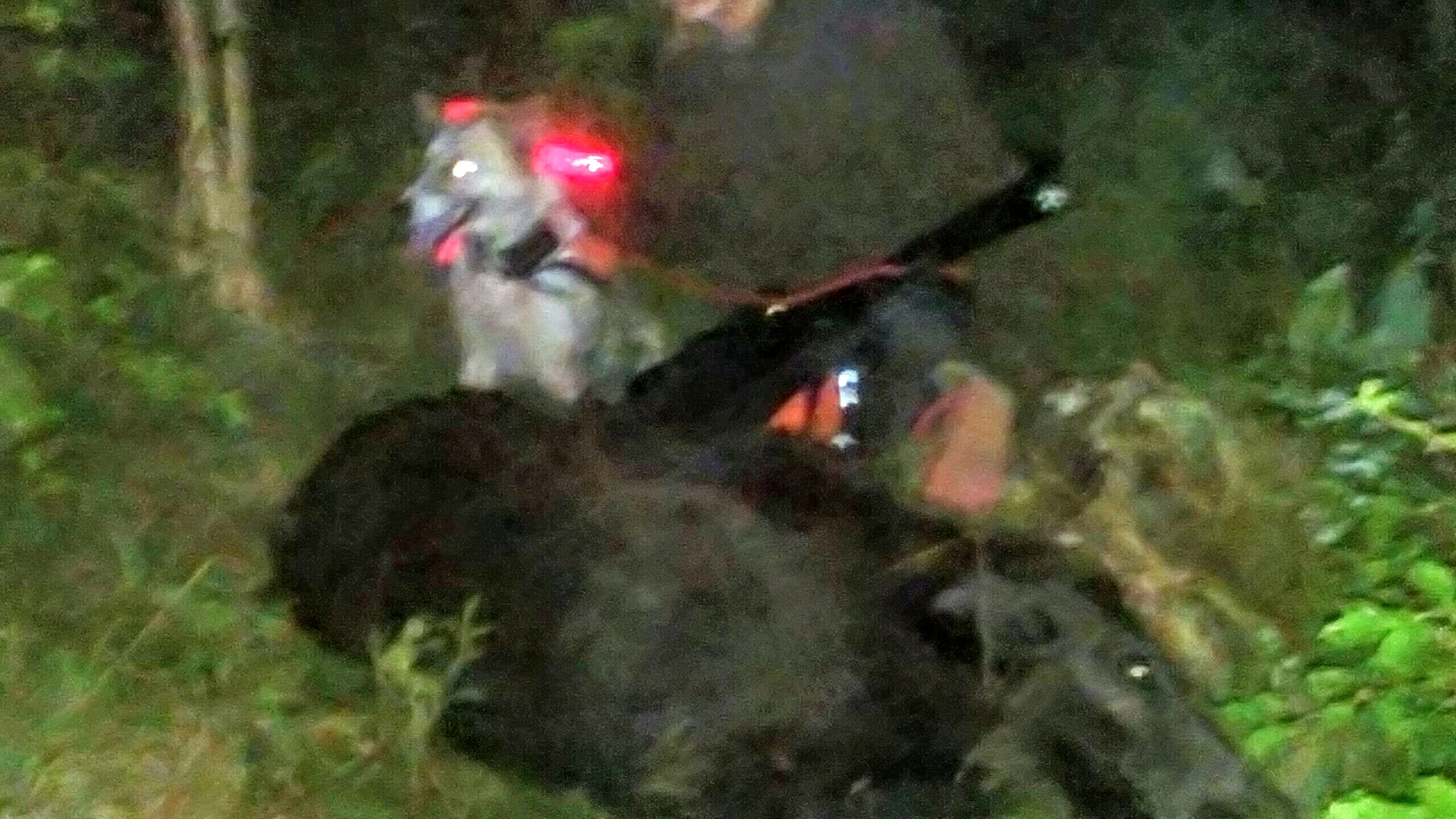
6 pointsÄr ju ingen som skriver något längre i det som var det intressantaste ämnet här. Så jag får väl skriva en rad om ett av mina. Blev uppringd 1.30 igår natt. Var ett par killar som var ute och fredade nysådd och vallar ett par kilometer hemifrån. Den ena killen hade haft ett gäng i en oslådd vall och skjutit ett skott på en gylta. Jag var på plats efter 20min. Och bestämde mig för att prova med Maja. När vi närmade oss skottplatsen lät jag henne välja själv och givetvis tog hon fel spår. Men eftersom skytten visste var den påskjutna gått av vallen så började vi om där. Efter knappt 50m hittar vi nedplattat gräs men inget blod. Och nu blir Maja het och börjar vinda. Går ur den rätt öppna ängen och över en skogsväg och in i ett slye. Men vi vänder igen för det känns inte rätt. Går tillbaka upp i ängen och jag har precis tagit mig över staketet när något går upp framför oss. Frågar skytten och han såg en skymt av grisen så jag krokar loss. Maja är ifatt efter 30-40m och jag börjar snurra ihop spårlinan. Men då hör jag att grisen rusar rätt mot oss. Vi har tomma bössor än så jag säger till skytten att dra i ett. Själv fortsätter jag att plocka med linan. Grisen passerar oss på knappt 5m med Maja precis intill fast jag är så avtrubbad så jag tittade inte ens upp. Blir stopp i diket mellan staketet och vägen en halvminut och sen går det in i slyet. Men nu är jag klar med min viktiga uppgift att snurra ihop spårlinan och kan ladda bössan. Stod 15m in från vägen och det var bara att gå in och skjuta. Ett lite märkligt eftersök. Inte en enda bloddroppe nånstans. Inte ens där grisen legat. Vi petade säkert upp den där gräset var tillplattat och har säkert passerat grisen på bara några meter en gång. Och sen att den direkt efter vi släppt kommer rakt tillbaka till oss oss. Är nog bara 100m från skottplatsen till där vi sköt den. Varför hade den lagt sig så snabbt och varför gick den inte undan. För springa kunde den, gick rätt fort förbi oss. Skottet satt lite högt precis bakom mellangärdet och hade inte gett genomslag. Skulle tro att den vänt precis i skottet. Blev rätt många rader om ett egentligen enkelt eftersök som ändå blev minnesvärt.
 6 points
 -
 4 pointsJag och farsan kommer försöka oss på att bygga en sann redneckversion av nedanstående smoker. http://www.texasbbq.se/PR/6/smoker-dallas De flesta delarna för bygget fanns hemma pga generationers samlande av gratis skrot. En gammal hydrofortank, en utdaterad gasoltub och diverse järn från när jag rev svinhusinredningen på gården kommer utgöra bulken av byggmaterialet. Bara så alla vet; en extra manlig grill har en manlucka för asktömning. Ingen sprutpicka här inte, endast extra rökig OK 48.00. Fortsättning följer!

 4 points
 -
 Två layouter va gjorda inför detta SM en snabb och en teknisk. Sköt 86 på den snabba och 70 på den tekniska. Sköt definitivt inte på topp men shit va jag tyckte det va svårt. Bara att buga sig för dom som hanterade helgens skytte3 points
 -
 Använt spot-X som översikt när man vill veta artförekomst/är ny i ett område eller bara vill drägla lite. Har en tidigare version och där är kartorna rätt horribla när man väl vill veta vart man ska... Wams och doc har bra kartor att leka med2 points
 -
 2 pointsSprang 5km på 23.5min! Senast jag kom ner på den tiden var när jag var 20år... inte illa att vara 18år äldre och 20kg tyngre och prestera det.. sjukt nöjd idag men bättre ska det bli. Ska nog klara det på 22min om jag tar i lite mer..2 points
 -
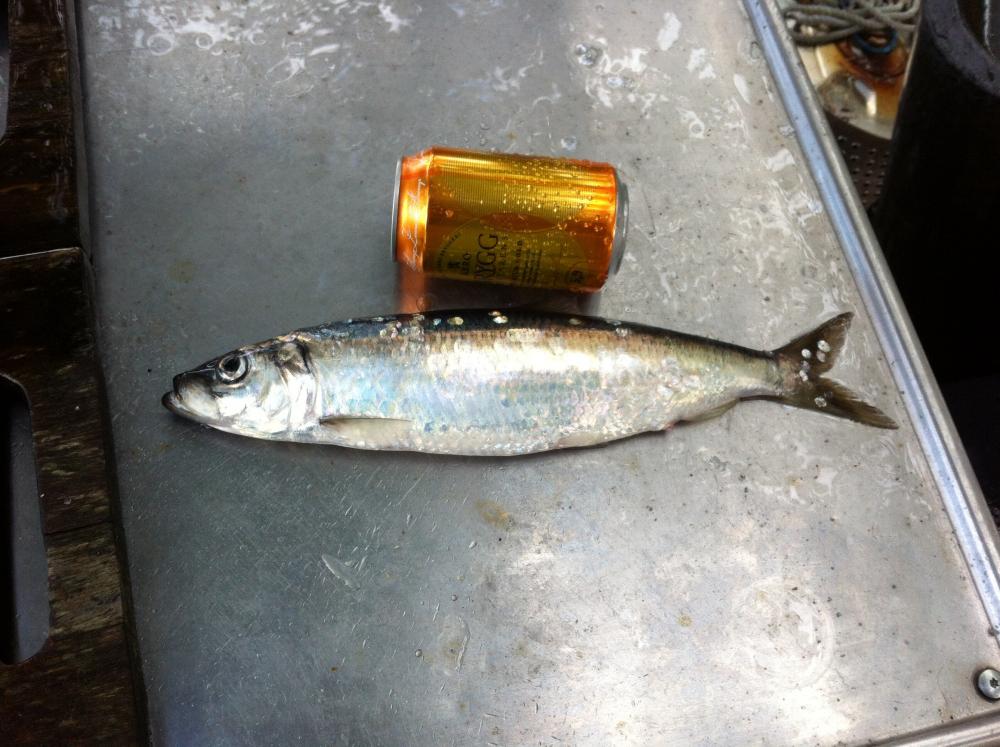
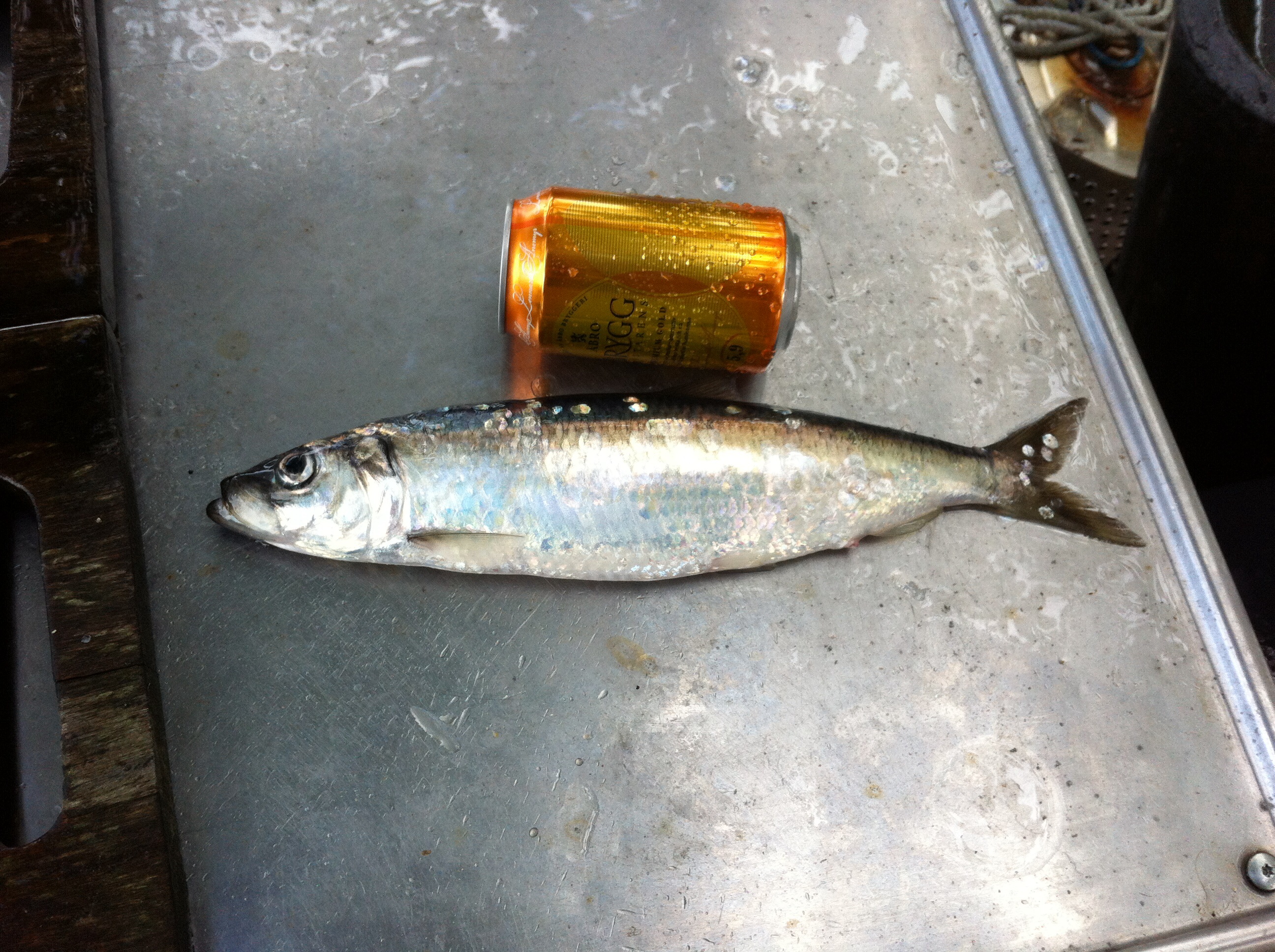
 1 pointJag som Netfiskare känner mig Inte hemma i sportfiske trådar , så jag gör en egen som troligen aldrig behöver kallas " stora Net fisketråden " Jag har djupa rötter i sthlms inre ytterskärgård och där lägger man net för att få matfisk och så även jag . Jag slängde ut 2 abborr garn igår kväll trots kassa Nordanvinden , mest för att kolla om abborren lekt klart och det såg så ut då ingen av de 7 abborrarna jag fick hade rom , sen fick jag en vad jag först trodde var en liten Sik men vid närmare koll troligen var en gigantisk strömming , sen får jag väl lägga till en bild som berättar bättre varför jag fiskar m Net . /P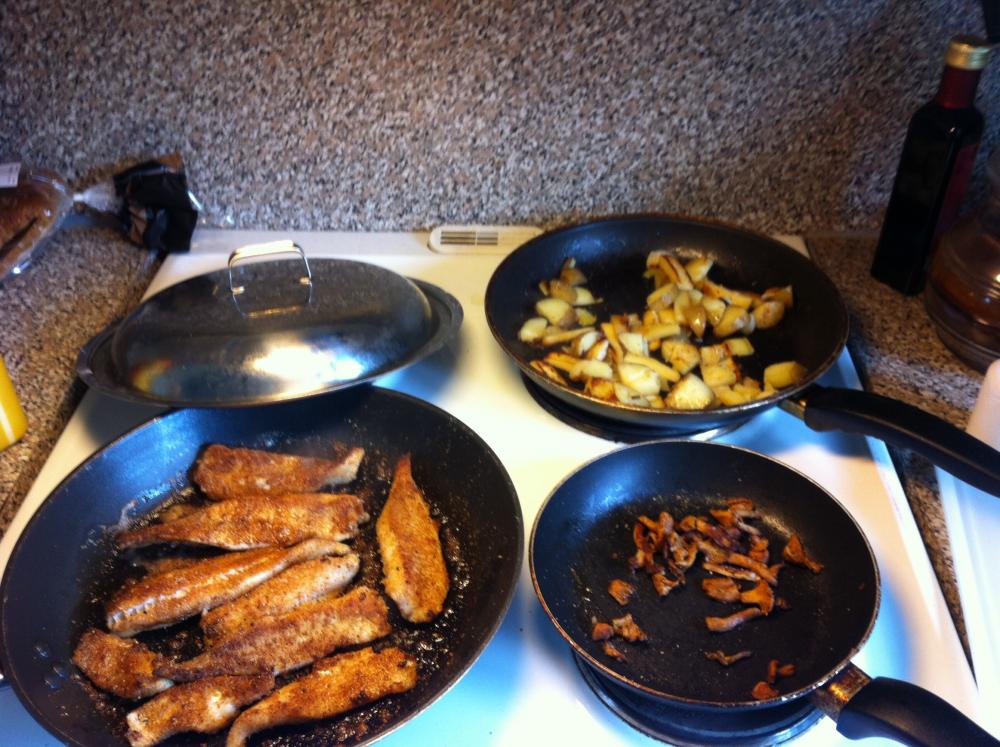
 1 point
 -
 1 point
 -
 1 pointBeen there, done that ;-) Förutom gasoltuben så är upplägget identiskt (inklusive val av elektrod, till och med) till vad jag gjorde inför vårt bröllop 2002. Tjänade oss väl, men vid flytten från gården förra året blev den kvar... så vi tävlar inte längre :-)!1 point
 -
 1 point
 -
 1 point
 -
1 point1 point
1 pointNä både hon och ninja behöver mer rutin på det. Båda två spårar slarvigt. Men Maja litar jag helt på som släpphund på skadat.1 point
1 point
 1 pointÄven jag har Leica Rangemaster CRF 1600-B och är väldigt nöjd med prestandan. Jag har dock inte jämfört med de andra premiumalternativen. Vad jag kan säga är att den mäter verkligen upp till 1500m om vädret är bra till skillnad från billigare alternativ som bara når upp till sitt avstånd om man pekar på ett prisma i storlek med en ladugård. Har inte heller haft några problem att sikta på trädtoppar inom de avstånd som man klarar att sikta rätt. Prövade den dock i lätt snöfall under toppjakten och då var den värdelös (gav 35m åt alla håll), men det gäller säkert de flesta avståndsmätare. Skulle jag köpt idag skulle jag sparat lite pengar och köpt en 1000-R istället. Jag har ingen som helst nytta av ballistikprogrammet då jag ändå varierar ammuntion och kalibrar rätt mycket. Dessutom har den bara några fasta kurvor och ingen av dessa fungerar för lättare kalibrar som .22lr eller ens .17 HMR,1 point
 1 pointHar hittills bara mätt upp till 460 meter för jaktmål. Då mätte jag på räv som satt på en stubbe. Gjorde nog ett tiotal mätningar med samma resultat. Inga problem. Dock har använt den i jobbet också och då har jag mätt ut till ca 1200 meter, men då mäter jag mot typ stenmurar eller större trädstammar. Brukar göra ca fyra mätningar för att se om det blir samma. Blir oftast det om man bara har stöd när man mäter. Använder även vinkelmätning i jobbet för att ta höjder på tex hus och det fungerar mycket bättre än jag trodde. Har den på stativ då. Det enda som ställer till det är om det är disigt eller ligger dimma i vägen då kan man få göra lite fler mätningar eller vänta en stund. Den hänger inte med mitt Zeiss HT 3-12x56:a i skymningen men oftast kan man mäta mot ett ljusare eller mörkare föremål i närheten av djuret för att få avståndet om det behövs.1 point
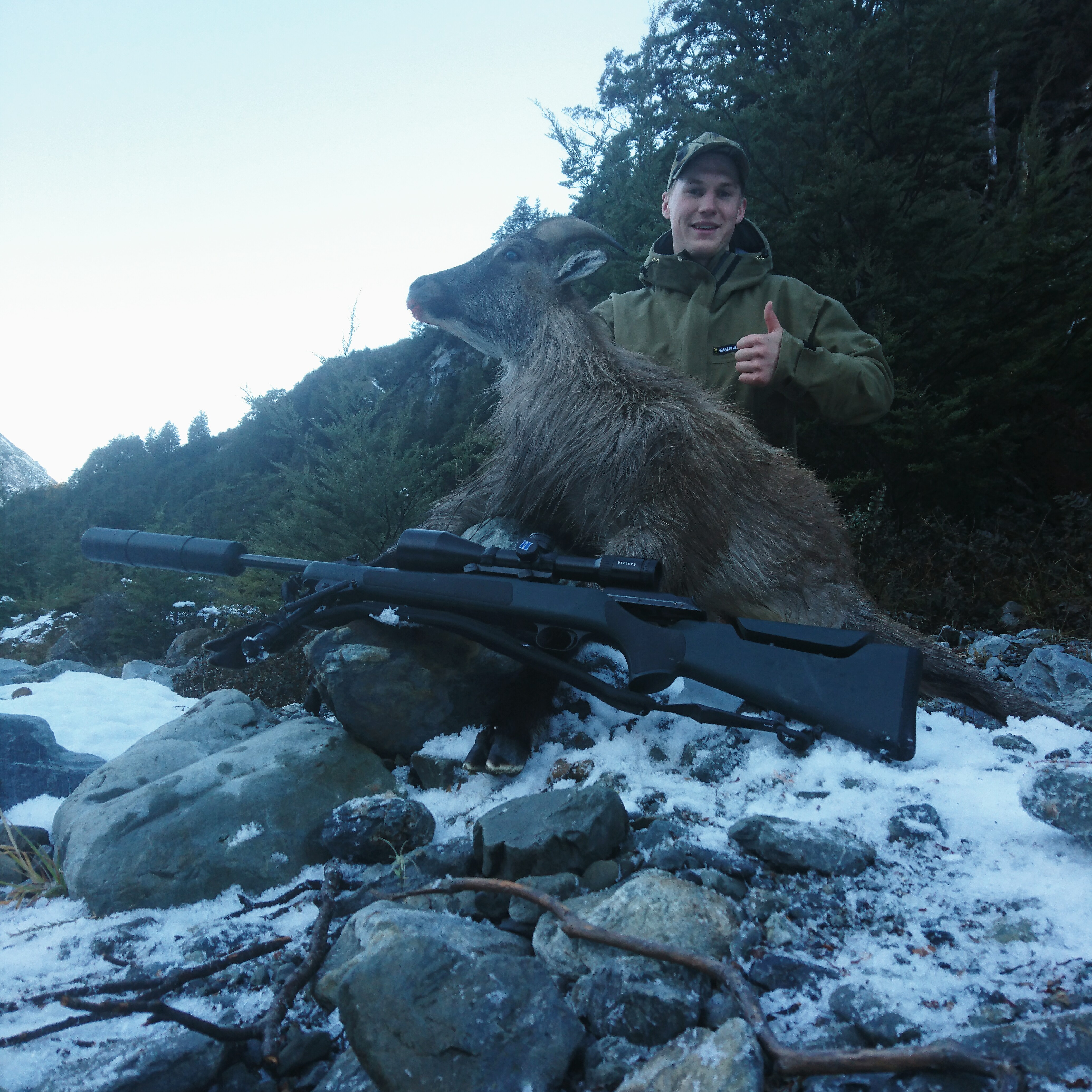
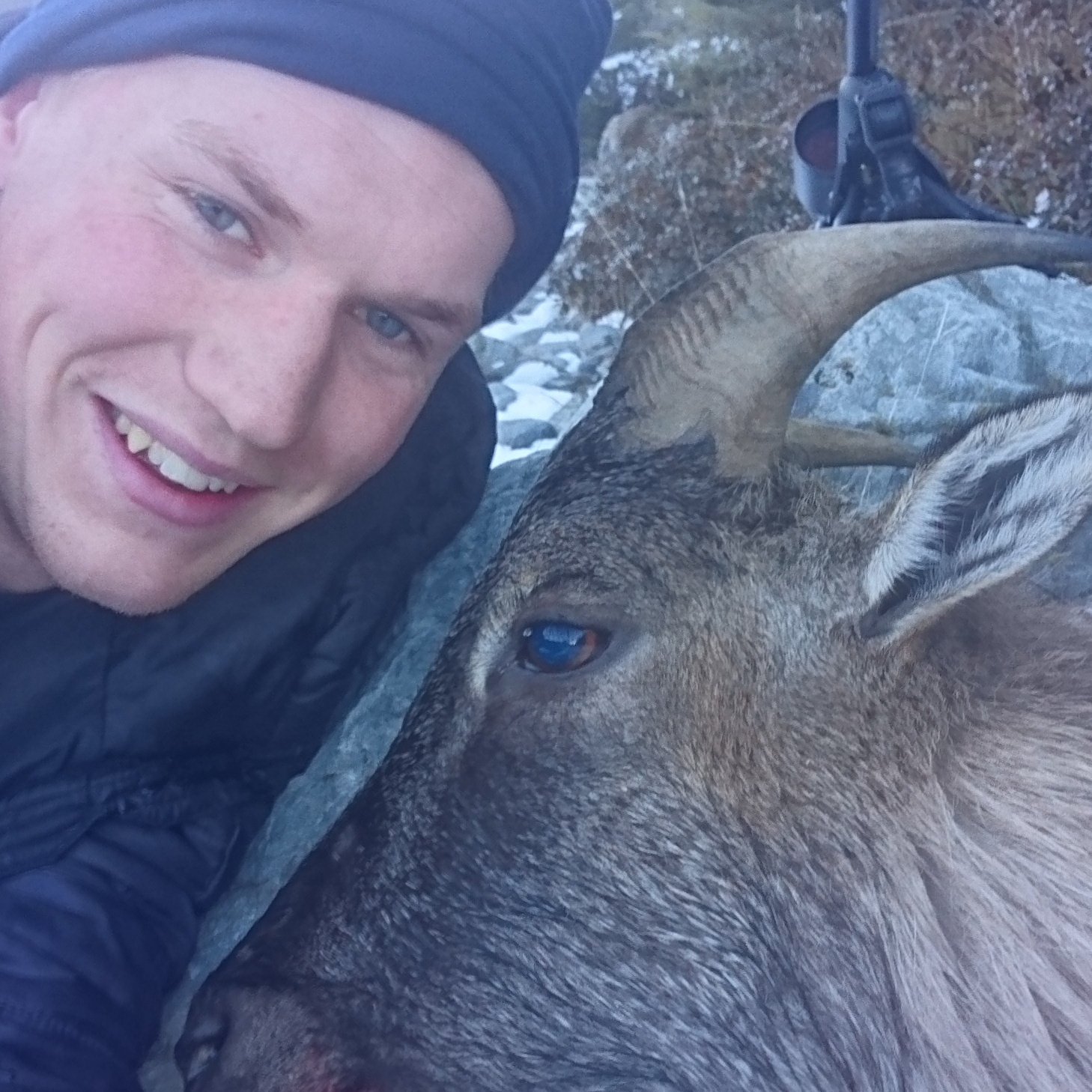
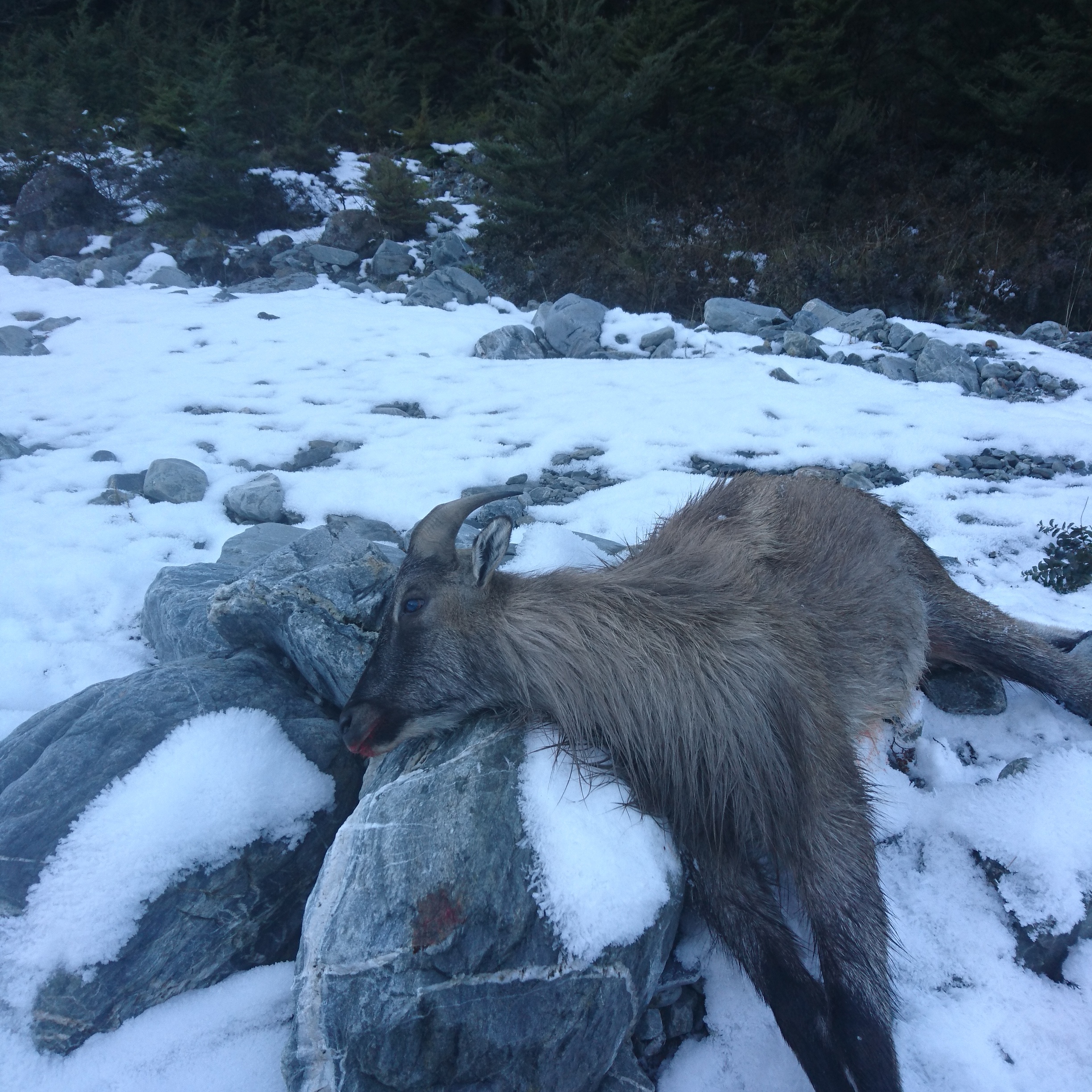
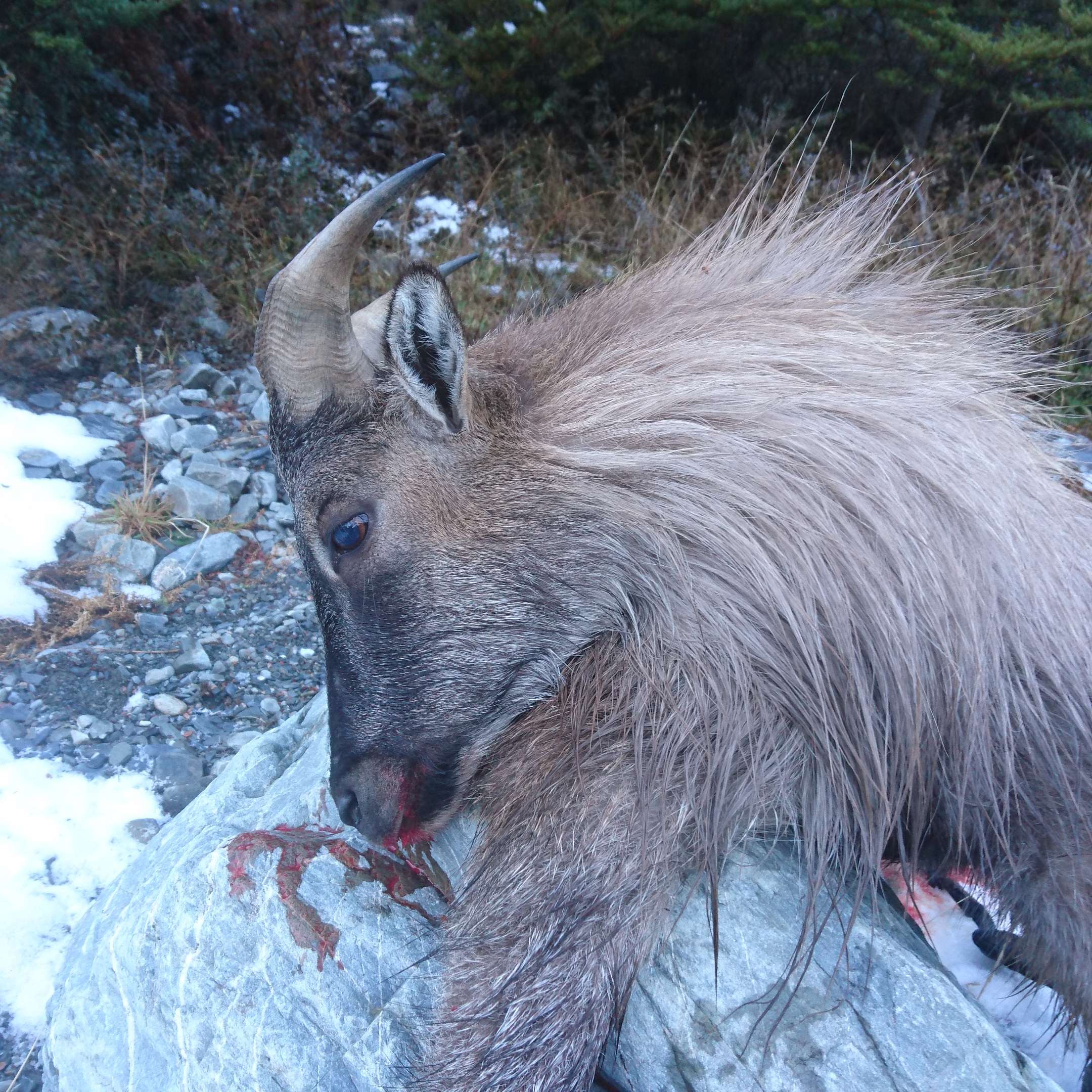
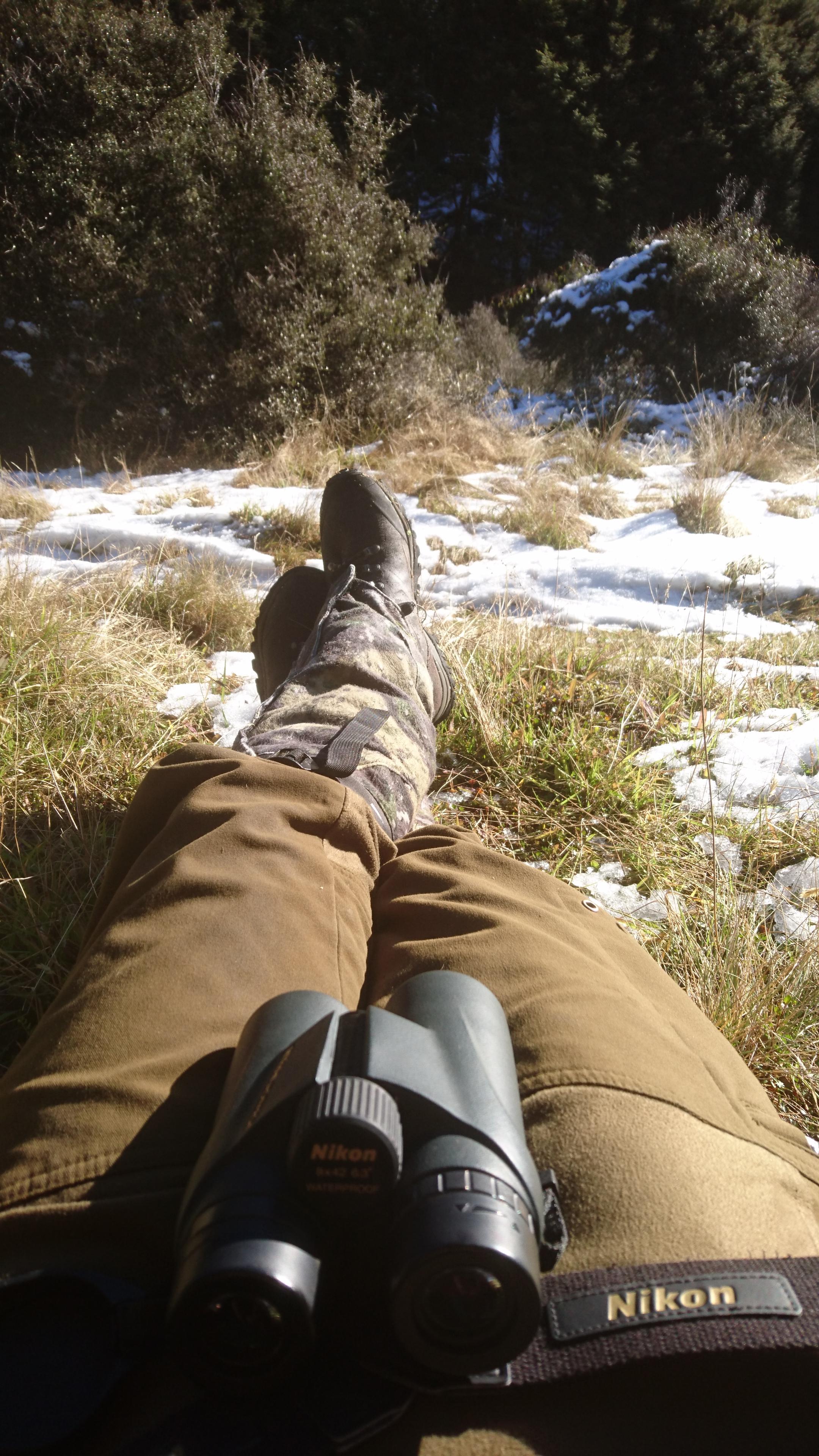
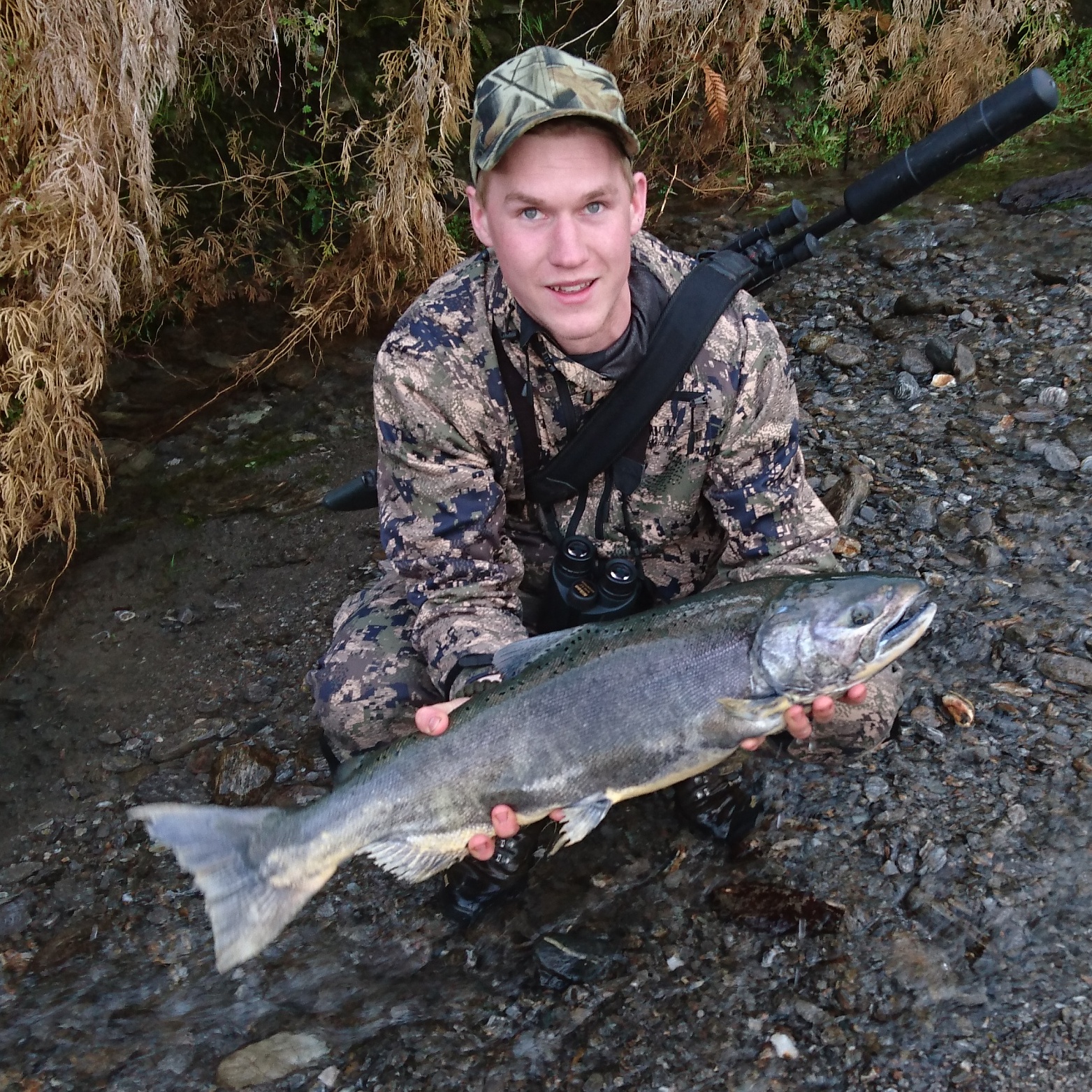
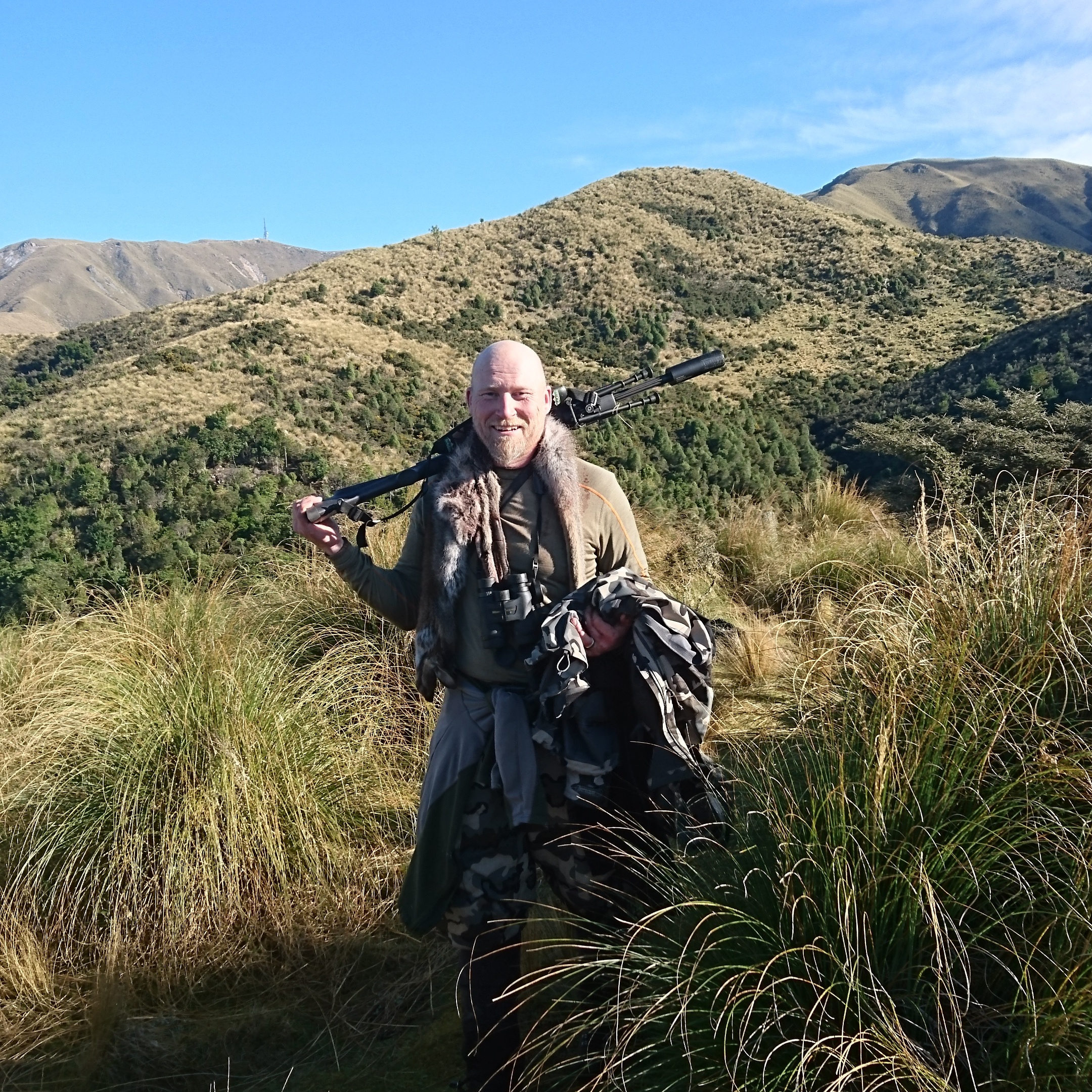
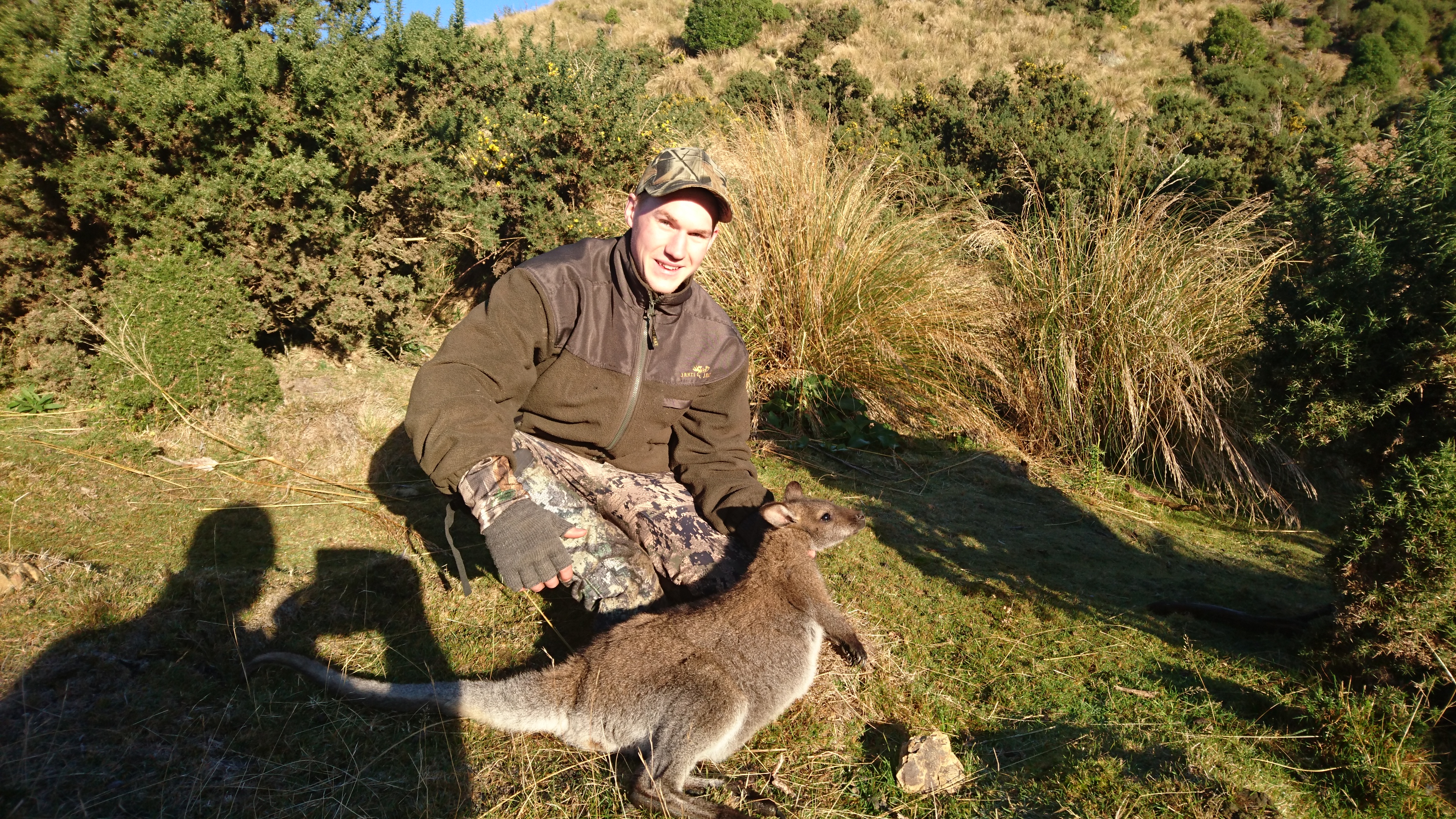
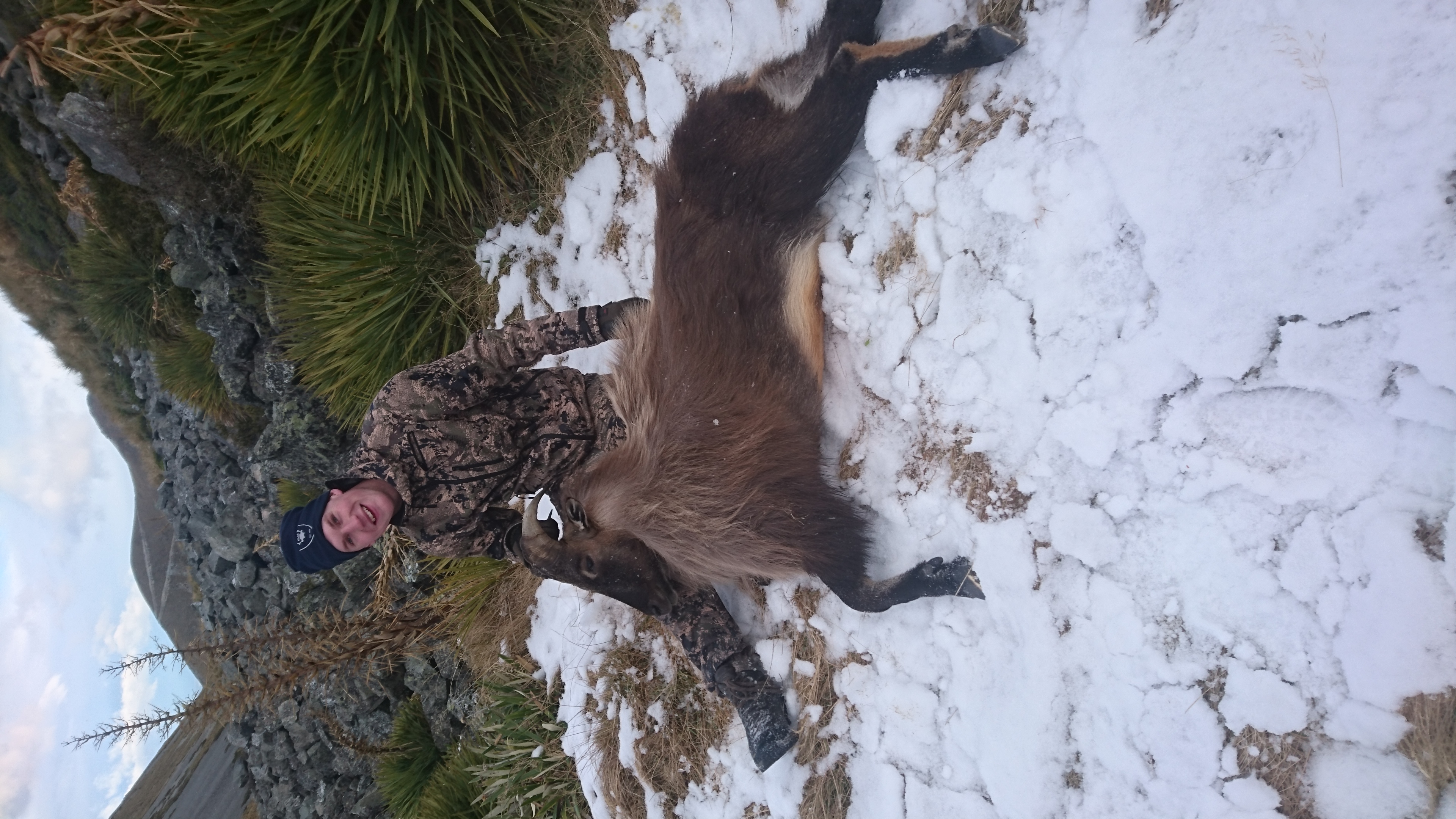
Tänka mer på packningen, varje gram man kan spara in på är guld värt, Självklart kunde man ha tränat sig till lite bättre form, Ju mer man orkar ju roligare blir det. Tror vi båda har läst en heldel och det mesta stämde, trevligt och väldigt hjälpsamt folk överlag, det enda som man man inte hade förstått var att det var ganska mkt Privatland så att säga att det bara är gå ut och jaga är kanske lite fel, men det finns *några* tusen Ha publicland att jaga på Om det blir en resa tillbaka till NZ så blir det att styra lite mer själv och planera dagarna annorlunda, vi köpte en varsin Hotspots bok där nere med 1000 utmärkta platser där man kan jaga, står vilka vilt som finns i området och ungefär vart dom brukar befinna sig. mer planering med andra ord1 point
1 point
1 pointHar hittills bara mätt upp till 460 meter för jaktmål. Då mätte jag på räv som satt på en stubbe. Gjorde nog ett tiotal mätningar med samma resultat. Inga problem. Dock har använt den i jobbet också och då har jag mätt ut till ca 1200 meter, men då mäter jag mot typ stenmurar eller större trädstammar. Brukar göra ca fyra mätningar för att se om det blir samma. Blir oftast det om man bara har stöd när man mäter. Använder även vinkelmätning i jobbet för att ta höjder på tex hus och det fungerar mycket bättre än jag trodde. Har den på stativ då. Det enda som ställer till det är om det är disigt eller ligger dimma i vägen då kan man få göra lite fler mätningar eller vänta en stund. Den hänger inte med mitt Zeiss HT 3-12x56:a i skymningen men oftast kan man mäta mot ett ljusare eller mörkare föremål i närheten av djuret för att få avståndet om det behövs.1 point
Tänka mer på packningen, varje gram man kan spara in på är guld värt, Självklart kunde man ha tränat sig till lite bättre form, Ju mer man orkar ju roligare blir det. Tror vi båda har läst en heldel och det mesta stämde, trevligt och väldigt hjälpsamt folk överlag, det enda som man man inte hade förstått var att det var ganska mkt Privatland så att säga att det bara är gå ut och jaga är kanske lite fel, men det finns *några* tusen Ha publicland att jaga på Om det blir en resa tillbaka till NZ så blir det att styra lite mer själv och planera dagarna annorlunda, vi köpte en varsin Hotspots bok där nere med 1000 utmärkta platser där man kan jaga, står vilka vilt som finns i området och ungefär vart dom brukar befinna sig. mer planering med andra ord1 point
1 point 1 point
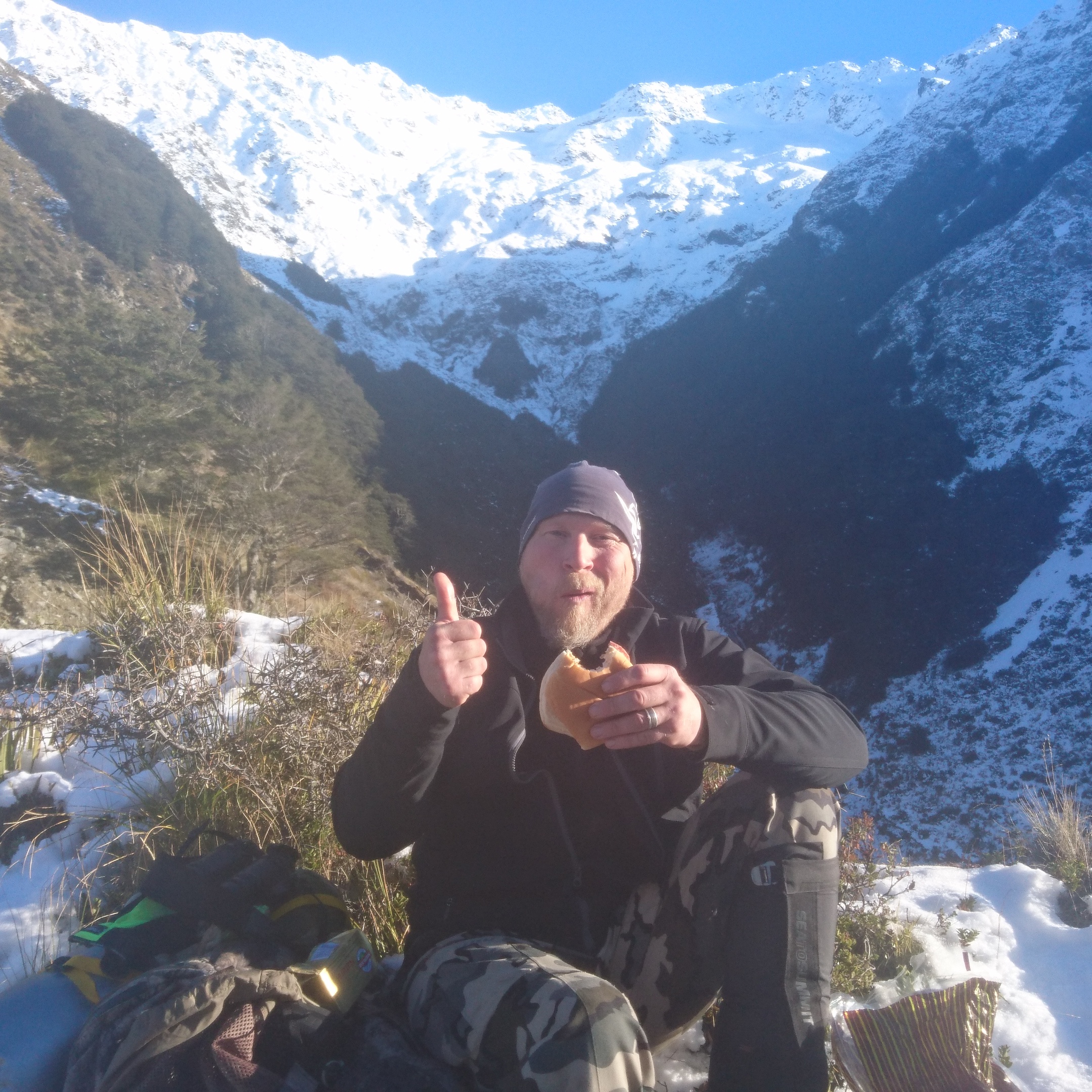
En sammanfattning då som skulle kunna skrivas i spaltmeter, istället ett ihop klipp av de bilder och filmer vi tog. Tyvärr så verkar Viktors format synka dåligt med mitt, bjuder på det. Resan blev mer än en jaktresa då vi fick lära känna en riktig karaktär på ön, en Åsa-nisse på steorider, med allt vad det innebär. Hoppas jag har den fysiken när jag är 68, rent jävlig och gå och det kändes alltid som en liten vinst när han fick stanna och pusta innan oss i nån backe. Ribban låg här. När vi åkte till västkusten för att leta gems så passera vi ett gäng som höll på att röja väggrenen i närheten av Arthurs pass, alltså kringelikrokvägar med branta sidor åt alla håll.. Det var ett par som gick och stoppade trafiken, nån som skötte maskin och några som hantlangare. "Jesus, twenty men doing one mans job!"1 point
1 point
En sammanfattning då som skulle kunna skrivas i spaltmeter, istället ett ihop klipp av de bilder och filmer vi tog. Tyvärr så verkar Viktors format synka dåligt med mitt, bjuder på det. Resan blev mer än en jaktresa då vi fick lära känna en riktig karaktär på ön, en Åsa-nisse på steorider, med allt vad det innebär. Hoppas jag har den fysiken när jag är 68, rent jävlig och gå och det kändes alltid som en liten vinst när han fick stanna och pusta innan oss i nån backe. Ribban låg här. När vi åkte till västkusten för att leta gems så passera vi ett gäng som höll på att röja väggrenen i närheten av Arthurs pass, alltså kringelikrokvägar med branta sidor åt alla håll.. Det var ett par som gick och stoppade trafiken, nån som skötte maskin och några som hantlangare. "Jesus, twenty men doing one mans job!"1 point 1 pointKul att se mindre än två veckor tills vi får hem vår vorstehvalp nu . dagen innan midsommarafton ska vi hämta honom.1 point
 I dagsläget har vi den lösningen vi har och det tog ett par dagar att vänja sig med layouten i mobilen efter jag hade fixat en irriterande pryl som störde menyn. Förändringar kan vara jobbiga som när de möblerar om hela affären eller de byter typsnitt och layout på tidningen, men efter en månad är det ingen som längre minns hur det var förr och efter lite användning så kommer du/ni att hitta nya rutiner som funkar även här. Jag trodde det var medlemmarna och innehållet som utgjorde jaktsidan - inte vilket verktyg man använder för att läsa alla inlägg? Varför förändringen gjordes är redan beskriven i minsta detalj så det går jag inte in på en gång till...1 point
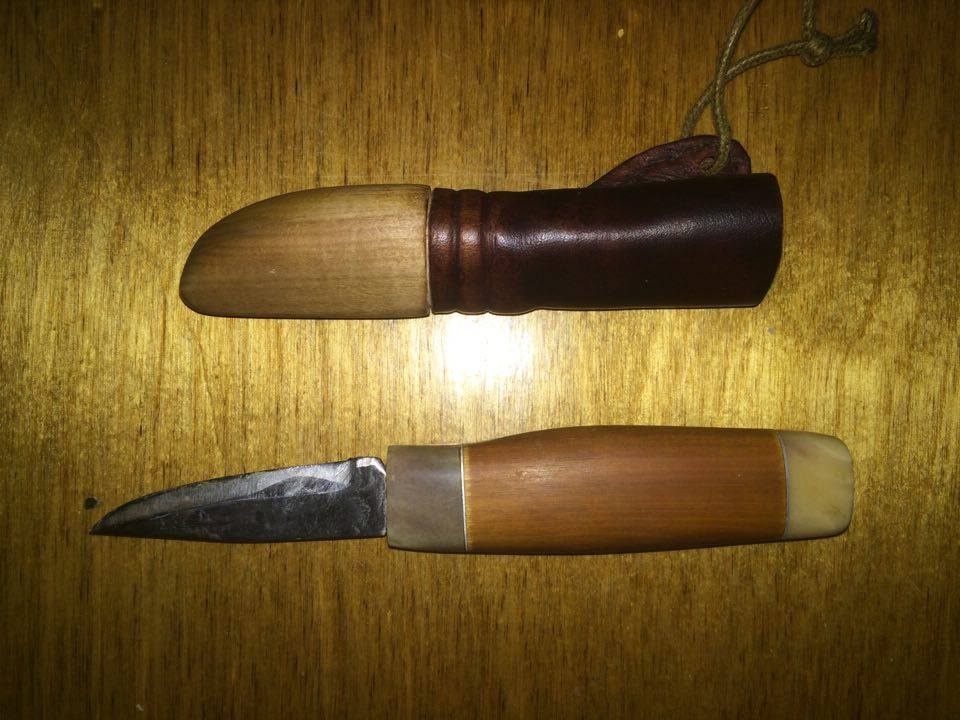
 1 pointHej! Jag blev lite nostalgisk och tänkte tillbaka på min kniv jag gjorde på högstadiet och kom och tänka på det här forumet och letade fram det och kom på att jag faktiskt hade startat en tråd här för 6 år sedan (!), men aldrig postat det färdiga resultatet på min första och enda kniv. Så här kommer lite bilder, inte bästa bildkvaliteten men det får gå för den här gången Den har blivit använd rätt flitigt så den har sett bättre dar.


 1 point
 1 pointDetta är från början ett MILITÄRT vapen. Taktiskt.... Användes i stora mängder i dom flesta länder i hela världen när folk skulle ha ihjäl varandra i större antal. 17-1800 talets Kalashnikov. Det är klart att dessa strategiska vapen måste licenbeläggas Jag anordnar snabbskjutnings kurser för unga blivande terrorister på min tomt vid förfrågan.1 point
1 point
1 point
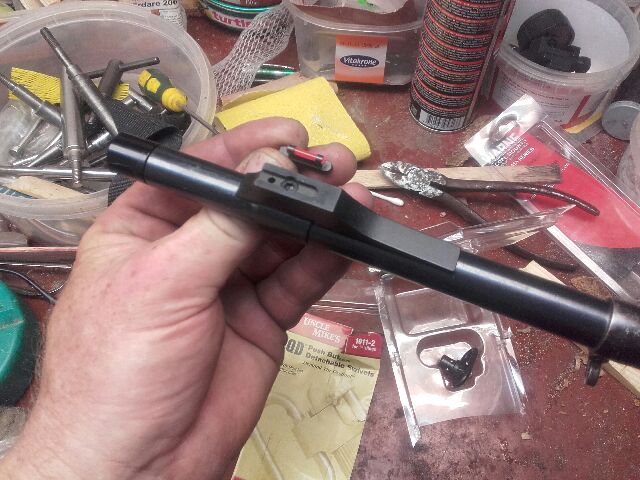
1 pointSådär... Nu kan man se över en Havana... Den bygger 40 mm in på pipan Och lampfästet får plats mellan kornfoten och rembygeln. Då behöver man inga lösa sladdar och skit: Man når knappen bak på lampan med tummen- och får framstocken ren från skenor och fästen (det kan rädda knogen på vänster pekfinger)
1 pointDetta är från början ett MILITÄRT vapen. Taktiskt.... Användes i stora mängder i dom flesta länder i hela världen när folk skulle ha ihjäl varandra i större antal. 17-1800 talets Kalashnikov. Det är klart att dessa strategiska vapen måste licenbeläggas Jag anordnar snabbskjutnings kurser för unga blivande terrorister på min tomt vid förfrågan.1 point
1 point
1 point
1 pointSådär... Nu kan man se över en Havana... Den bygger 40 mm in på pipan Och lampfästet får plats mellan kornfoten och rembygeln. Då behöver man inga lösa sladdar och skit: Man når knappen bak på lampan med tummen- och får framstocken ren från skenor och fästen (det kan rädda knogen på vänster pekfinger)
 1 point
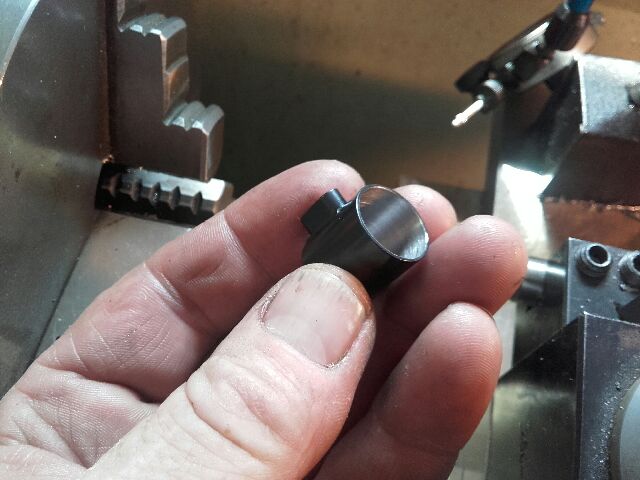
Ta-daa... Futtebucket... Den lilla "mallen" har lite mindre diameter än flush-cup'en så jag kan testa när djupet är rätt. Borren är en 13 mm som jag har slipat till 1/2". Borra lite djupare på undersidan så cup'en kommer under träet även på sidorna. Med denna borr är det "förborrat" för skruven i botten på köpet...1 point
1 point
1 point
1 pointOch här är ämnet till nya kornfoten med lampfäste- som alla nog kan se..
1 point
1 pointTa-daa... Futtebucket... Den lilla "mallen" har lite mindre diameter än flush-cup'en så jag kan testa när djupet är rätt. Borren är en 13 mm som jag har slipat till 1/2". Borra lite djupare på undersidan så cup'en kommer under träet även på sidorna. Med denna borr är det "förborrat" för skruven i botten på köpet...1 point
1 point
1 point
1 pointOch här är ämnet till nya kornfoten med lampfäste- som alla nog kan se.. 1 point
Såga pipan med bågfil är busenkelt. Det är sen man bör veta hur man gör1 point
Har åxå det , vänj dig med att kisa lite m vänsterögat för det kommer när du ska va lite noga eller hur och oftast höger till vänsterduvor ? Kisa istället för att stänga helt gör att du behåller vidvinkelseendet1 point
1 point
1 pointSåga pipan med bågfil är busenkelt. Det är sen man bör veta hur man gör1 point
Har åxå det , vänj dig med att kisa lite m vänsterögat för det kommer när du ska va lite noga eller hur och oftast höger till vänsterduvor ? Kisa istället för att stänga helt gör att du behåller vidvinkelseendet1 point 1 pointDet säger oändligt mycket mer om vapenhandlaren än Mirokus bössor.1 pointThis leaderboard is set to Stockholm/GMT+02:00



Account
Navigation
Sök
Configure browser push notifications
Chrome (Android)
- Tap the lock icon next to the address bar.
- Tap Permissions → Notifications.
- Adjust your preference.
Chrome (Desktop)
- Click the padlock icon in the address bar.
- Select Site settings.
- Find Notifications and adjust your preference.
Safari (iOS 16.4+)
- Ensure the site is installed via Add to Home Screen.
- Open Settings App → Notifications.
- Find your app name and adjust your preference.
Safari (macOS)
- Go to Safari → Preferences.
- Click the Websites tab.
- Select Notifications in the sidebar.
- Find this website and adjust your preference.
Edge (Android)
- Tap the lock icon next to the address bar.
- Tap Permissions.
- Find Notifications and adjust your preference.
Edge (Desktop)
- Click the padlock icon in the address bar.
- Click Permissions for this site.
- Find Notifications and adjust your preference.
Firefox (Android)
- Go to Settings → Site permissions.
- Tap Notifications.
- Find this site in the list and adjust your preference.
Firefox (Desktop)
- Open Firefox Settings.
- Search for Notifications.
- Find this site in the list and adjust your preference.