

Hoppa till innehåll
View in the app

A better way to browse. Learn more.

Jaktsidan

A full-screen app on your home screen with push notifications, badges and more.

To install this app on iOS and iPadOS
  1. Tap the Share icon in Safari
  2. Scroll the menu and tap Add to Home Screen.
  3. Tap Add in the top-right corner.
To install this app on Android
  1. Tap the 3-dot menu (⋮) in the top-right corner of the browser.
  2. Tap Add to Home screen or Install app.
  3. Confirm by tapping Install.

Leaderboard

Popular Content

Showing content with the highest reputation on 2022-10-16 in all areas

  1. Mad Mike
    2 points
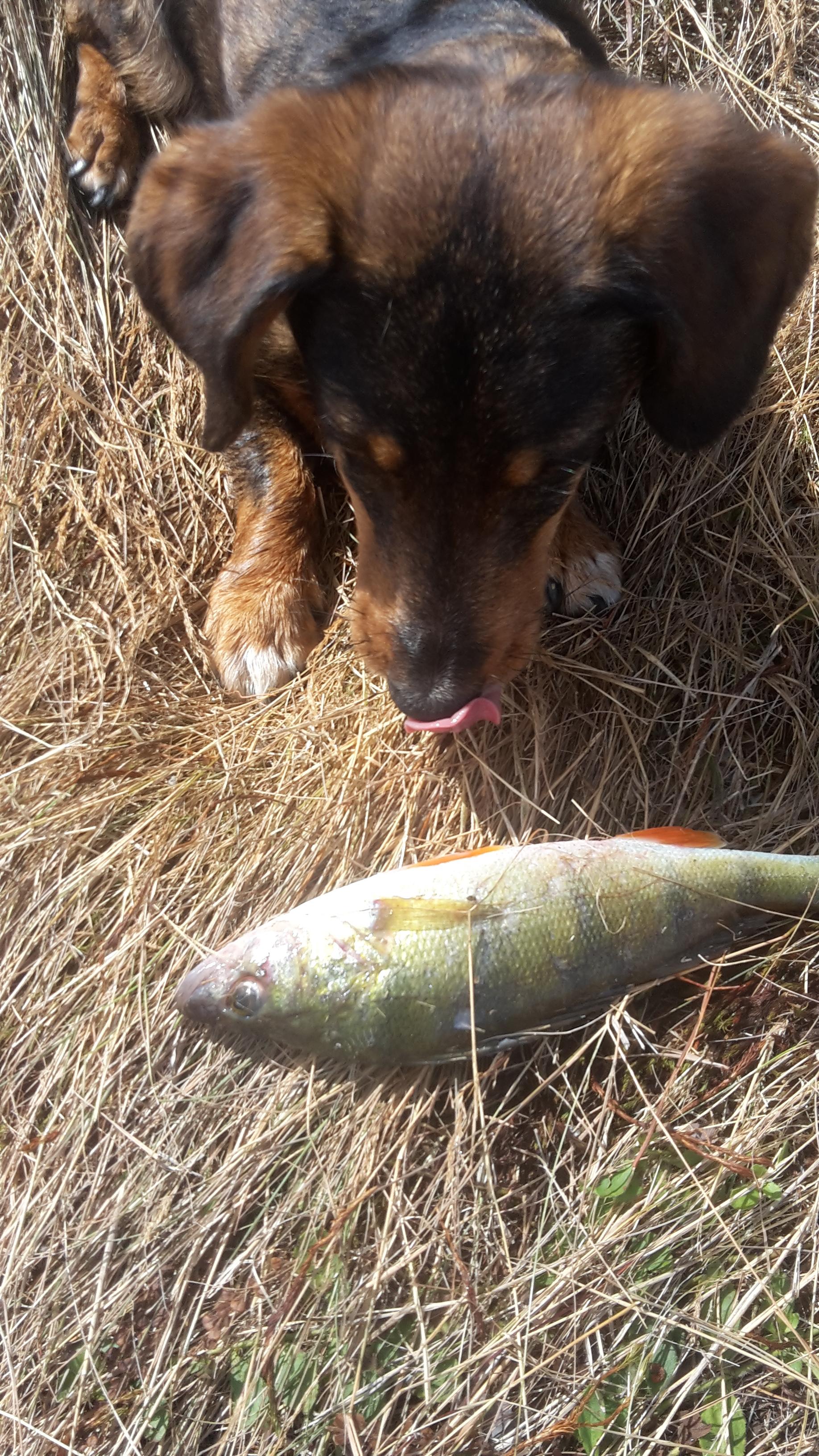
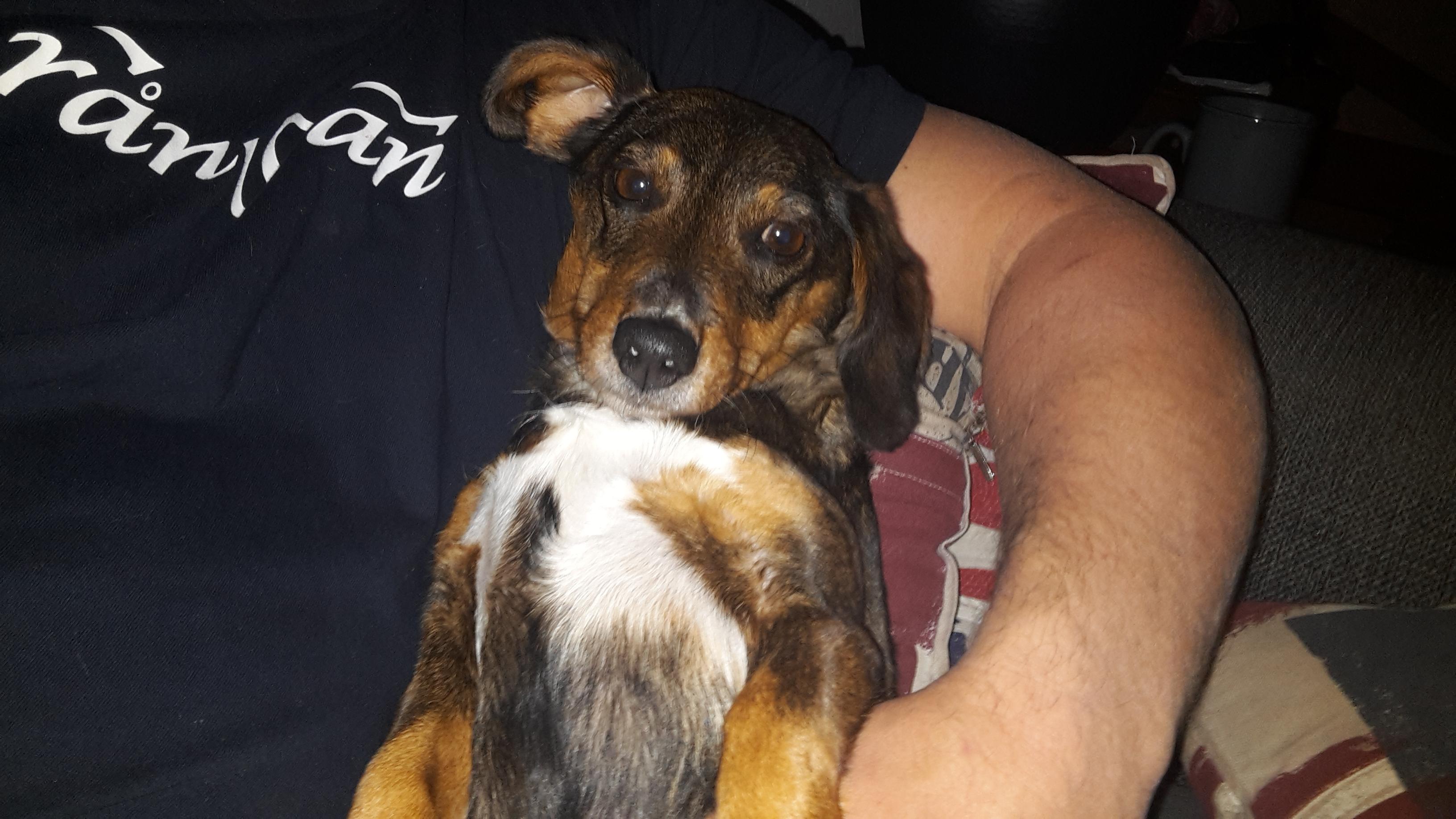
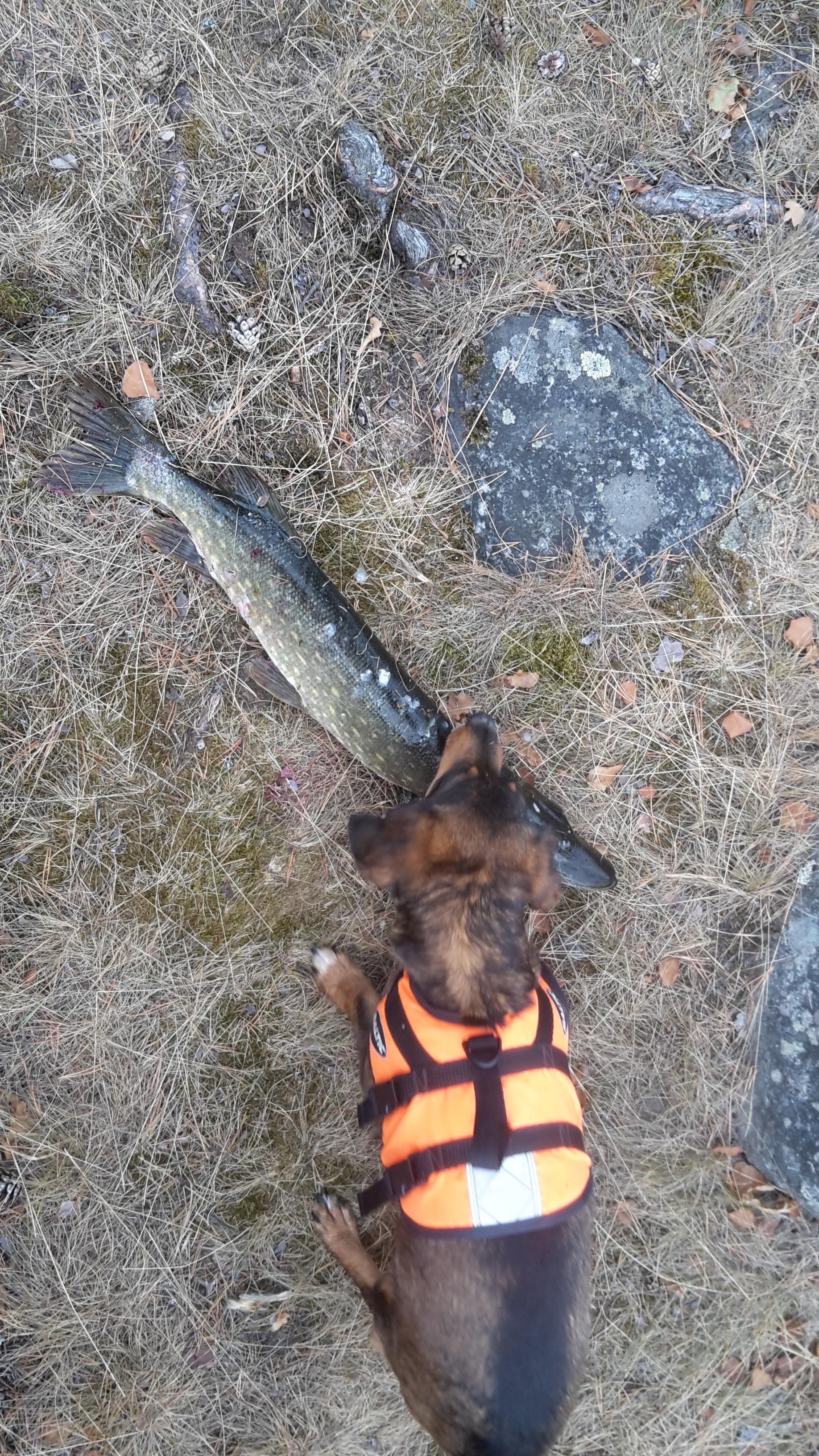
    Fan😥 vila i frid lilla hjärtat💖
  2. Galne
    1 point
    Har Mini fått lämna in? Beklagar @Ken1 hon hade ett jättebra liv i ert hem!! 💜
  3. TekDr
    1 point
    Sprang på isterband till rätt pris 👌
  4. Ken1
    0 points
    Du blev aldrig någon jakthund,det funkade helt enkelt inte. Fiska va därimot din grej. Hatkärleken mellan den och Mike skulle man kunna gör en film om, den va magisk.
This leaderboard is set to Stockholm/GMT+01:00

Account

Navigation

Sök

Sök

Configure browser push notifications

Chrome (Android)
  1. Tap the lock icon next to the address bar.
  2. Tap Permissions → Notifications.
  3. Adjust your preference.
Chrome (Desktop)
  1. Click the padlock icon in the address bar.
  2. Select Site settings.
  3. Find Notifications and adjust your preference.