Hoppa till innehåll
View in the app

A better way to browse. Learn more.

Jaktsidan

A full-screen app on your home screen with push notifications, badges and more.

To install this app on iOS and iPadOS
  1. Tap the Share icon in Safari
  2. Scroll the menu and tap Add to Home Screen.
  3. Tap Add in the top-right corner.
To install this app on Android
  1. Tap the 3-dot menu (⋮) in the top-right corner of the browser.
  2. Tap Add to Home screen or Install app.
  3. Confirm by tapping Install.

Leaderboard

  1. qvarnhill

    qvarnhill

    Bloggers
    29
    Poäng
    4 073
    Antal inlägg
  2. exabit

    exabit

    Bloggers
    7
    Poäng
    14 497
    Antal inlägg
  3. Dansken

    Dansken

    Global Moderators
    5
    Poäng
    16 245
    Antal inlägg
  4. Galne

    Galne

    Bloggers
    4
    Poäng
    5 395
    Antal inlägg

Popular Content

Showing content with the highest reputation on 2024-06-05 in all areas

  1. exabit
  2. OlaK
    1 point
    Guidade min amerikanska kompis till sitt första svin idag. Kom ut kl20. 20.10 small det. Tog inte ett kliv. 65kg. 308,Mega 185gr.
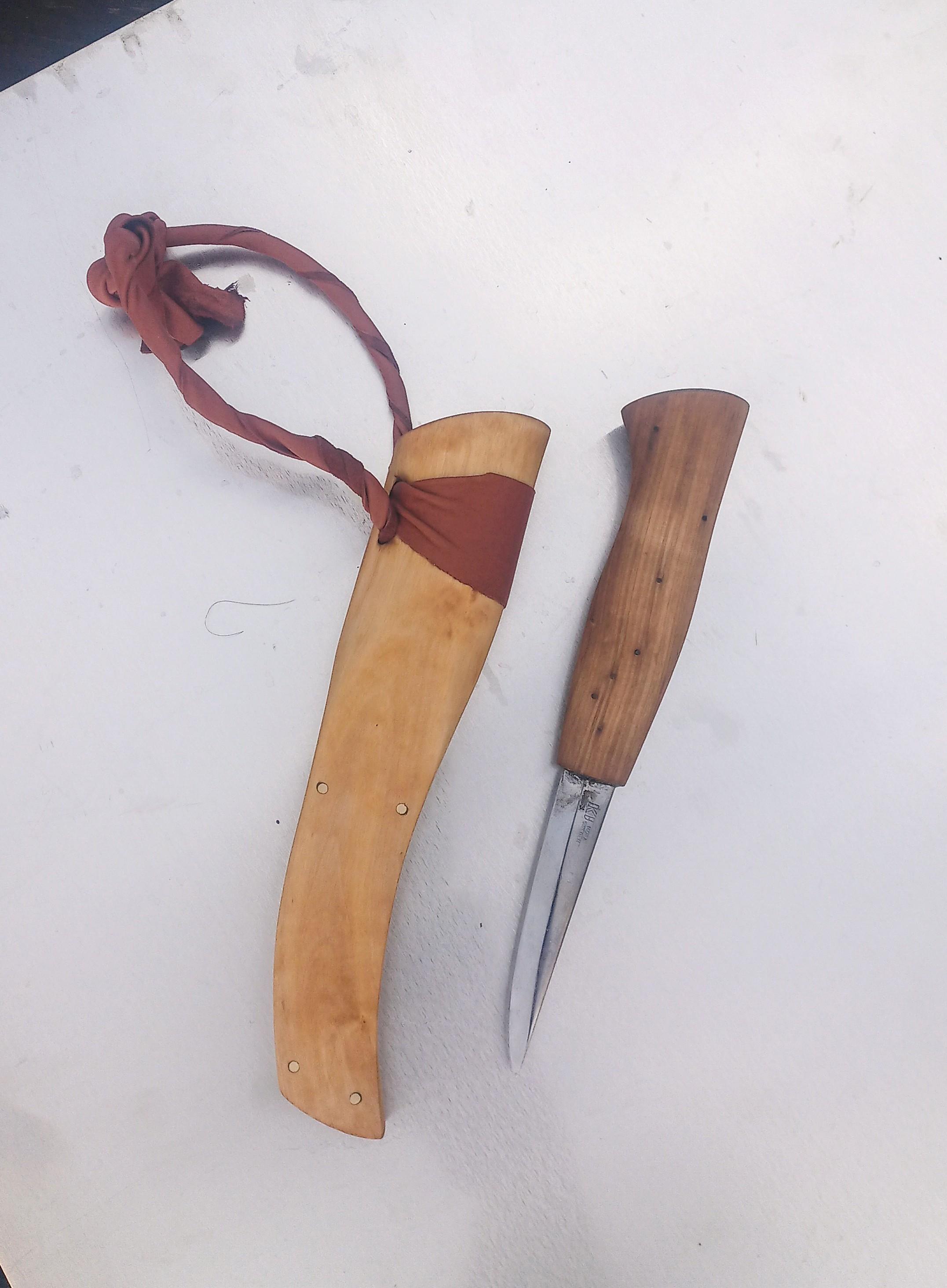
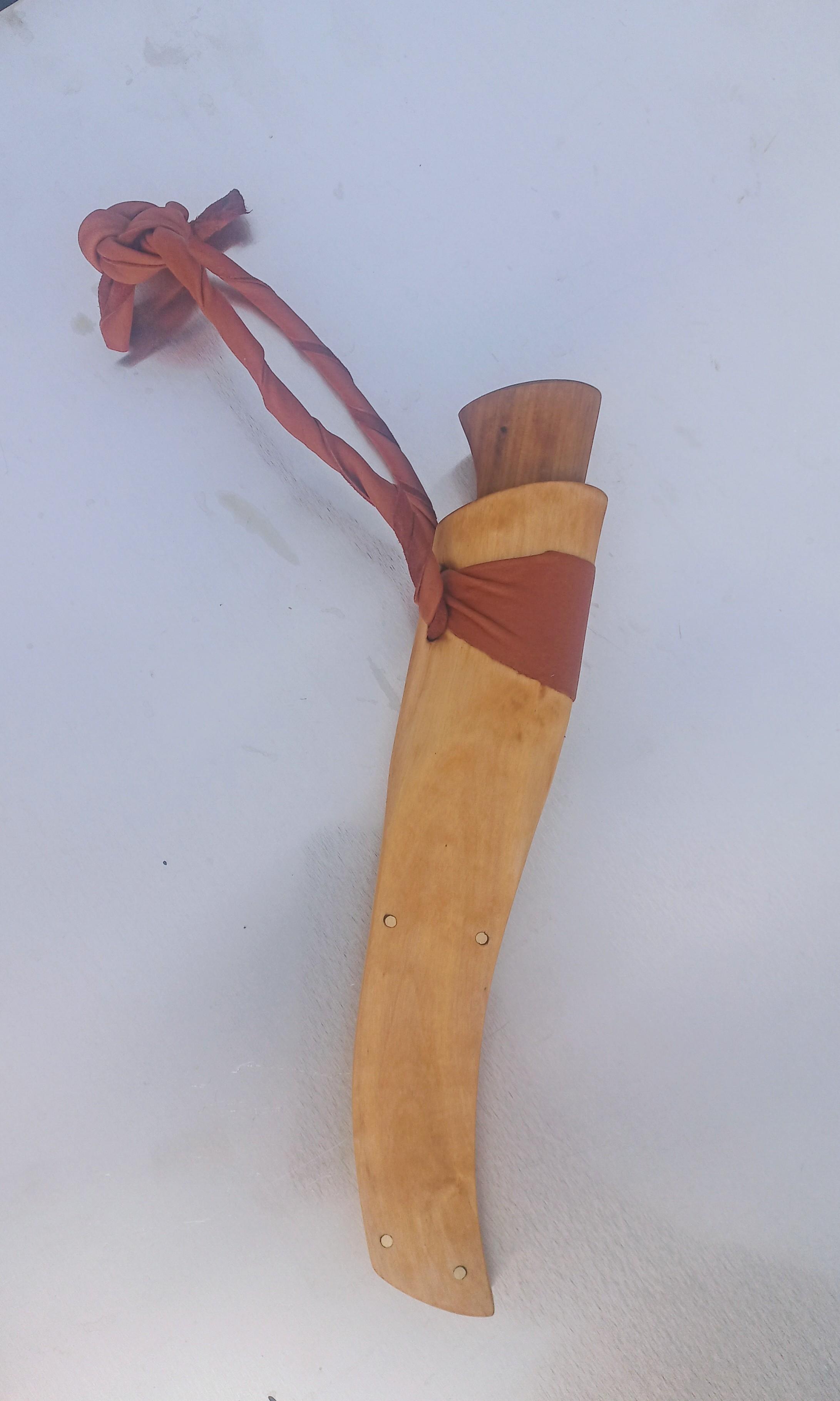
  3. karelsk blandning
    Gjorde en tälj kniv som test här tidigare åt mig själv. La inte så mycket tid på den då jag skulle ha den själv.
This leaderboard is set to Stockholm/GMT+02:00

Account

Navigation

Sök

Sök

Configure browser push notifications

Chrome (Android)
  1. Tap the lock icon next to the address bar.
  2. Tap Permissions → Notifications.
  3. Adjust your preference.
Chrome (Desktop)
  1. Click the padlock icon in the address bar.
  2. Select Site settings.
  3. Find Notifications and adjust your preference.